

Beginner’s Guide to Recording Professional Voiceovers for YouTube Videos
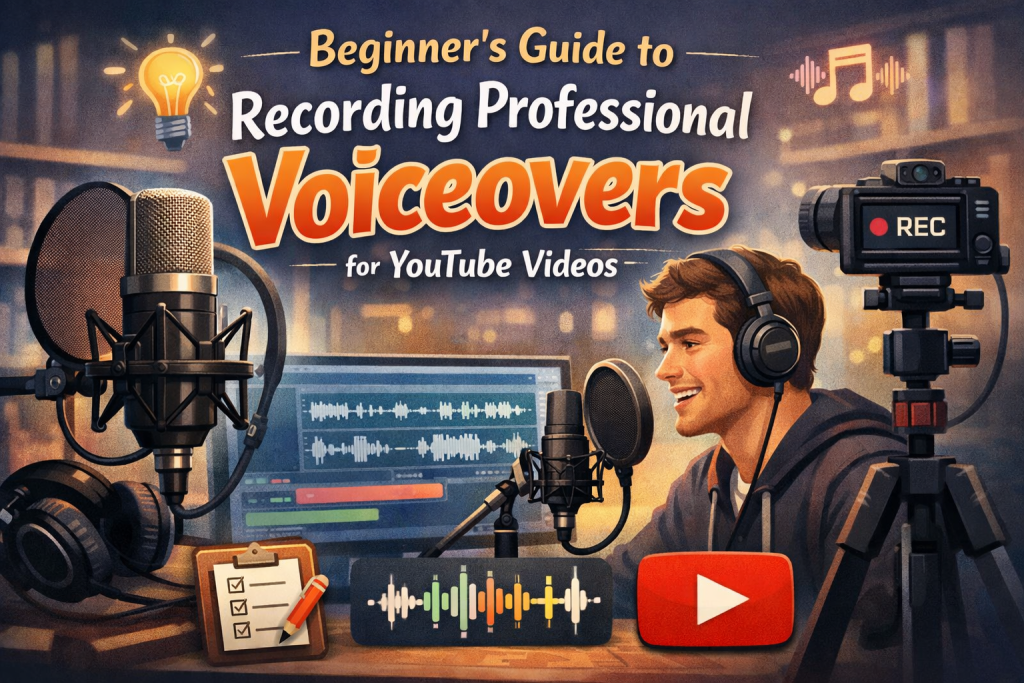
Beginner’s Guide to Recording Professional Voiceovers for YouTube Videos
High‑quality voiceovers can dramatically elevate your YouTube content. Whether you’re creating tutorials, vlogs, reviews, or storytelling videos, a crisp, clear voiceover helps communicate your message effectively and keeps viewers engaged. The good news is: you don’t need a professional studio to achieve professional sound.
This beginner‑friendly guide walks you through everything you need to record clean, polished voiceovers from home.
Why Voiceover Quality Matters
Your voiceover is one of the most important elements of your video. Even if your visuals are great, poor audio—background noise, distortion, muffled vocals—can quickly drive viewers away.
High‑quality voiceovers:
- Make your content sound professional
- Improve viewer retention
- Help your message come through clearly
- Build trust and credibility
Step-by-Step Guide to Recording Professional Voiceovers
1. Choose the Right Microphone
Your microphone is the foundation of your voiceover quality. Here are the most common options:
USB Microphones (Beginner-Friendly)
Plug‑and‑play, affordable, and easy to use. Examples: Blue Yeti, Audio‑Technica AT2020USB+.
XLR Microphones (Professional Quality)
Require an audio interface but offer superior sound. Examples: Shure SM7B, Rode NT1‑A.
Lavalier Microphones
Clip‑on mics ideal for on‑camera recording or mobile setups.
Best choice for beginners: A USB microphone—simple, affordable, and great quality.
2. Set Up Your Recording Environment
You don’t need a studio—just a quiet, controlled space.
Tips for a Better Recording Environment
- Choose a quiet room away from traffic, appliances, or household noise.
- Add soft furnishings (curtains, rugs, blankets) to reduce echo.
- Use acoustic foam or record in a closet full of clothes for natural sound absorption.
- Turn off fans, AC units, and notifications on your devices.
A controlled environment is often more important than expensive gear.
3. Position Your Microphone Correctly
Mic placement affects clarity, tone, and noise levels.
How to Position Your Mic
- Keep the mic 6–12 inches from your mouth.
- Use a pop filter to reduce plosives (“p” and “b” sounds).
- Angle the mic slightly off‑axis to reduce breath noise.
- Avoid speaking directly into the mic to prevent harshness.
Small adjustments can make a huge difference.
4. Select Recording Software (DAW)
A DAW is where you’ll record, edit, and enhance your voiceover.
Beginner-Friendly DAWs
- Audacity: Free, simple, and powerful enough for voiceovers.
- Adobe Audition: Professional tools for advanced editing (paid).
- GarageBand: Free for Mac users and great for beginners.
Choose the one that fits your workflow and comfort level.
5. Recording Your Voiceover
Now it’s time to hit record.
Tips for a Clean, Professional Recording
- Warm up your voice with humming or reading aloud.
- Speak clearly and naturally—like talking to a friend.
- Maintain consistent volume and pacing.
- Record multiple takes so you have options.
- Monitor your audio with headphones while recording.
6. Edit and Enhance Your Recording
Editing is where your voiceover becomes polished and professional.
Essential Editing Techniques
- Noise Reduction: Remove background hum or hiss.
- EQ:
- Boost low‑mids for warmth
- Cut harsh highs
- Remove rumble below 80 Hz
- Compression: Smooth out volume differences.
- De‑essing: Reduce harsh “s” sounds.
- Limiter: Prevent clipping and keep levels consistent.
Most DAWs include all these tools.
7. Export and Sync with Your Video
Once your voiceover is polished:
- Export as WAV (best quality) or high‑bitrate MP3.
- Import into your video editor.
- Sync the voiceover with your visuals.
- Adjust timing and volume as needed.
Additional Tips for Professional Voiceovers
- Practice regularly—your delivery improves over time.
- Use headphones when editing to catch small imperfections.
- Stay hydrated to keep your voice clear.
- Record in short sections to maintain energy and consistency.
Conclusion
Recording professional voiceovers for YouTube doesn’t require expensive gear or a studio—just the right tools, techniques, and a bit of practice. By choosing a good microphone, optimizing your recording space, positioning your mic correctly, and mastering basic editing, you can create clean, engaging voiceovers that elevate your content and keep your audience watching.
With these steps, you’re well on your way to producing polished, compelling voiceovers that make your YouTube videos stand out.
Further Reading:
Resources to help you go deeper
- dive deeper with Branding & Networking for Bands
- explore Build a Brand That Feels Like You
- check out E-Commerce SEO Strategies
- grab your copy of Pitch Yourself Without Cringing
- learn more in Indie Artist’s Monetization Manual
- dive deeper with The Musician’s Marketing Playbook
- explore Ultimate Musician’s Website Guide
- check out Vulnerable Creator’s Marketing Playbook
