

Efficient Project Management: Implementing The One Page System
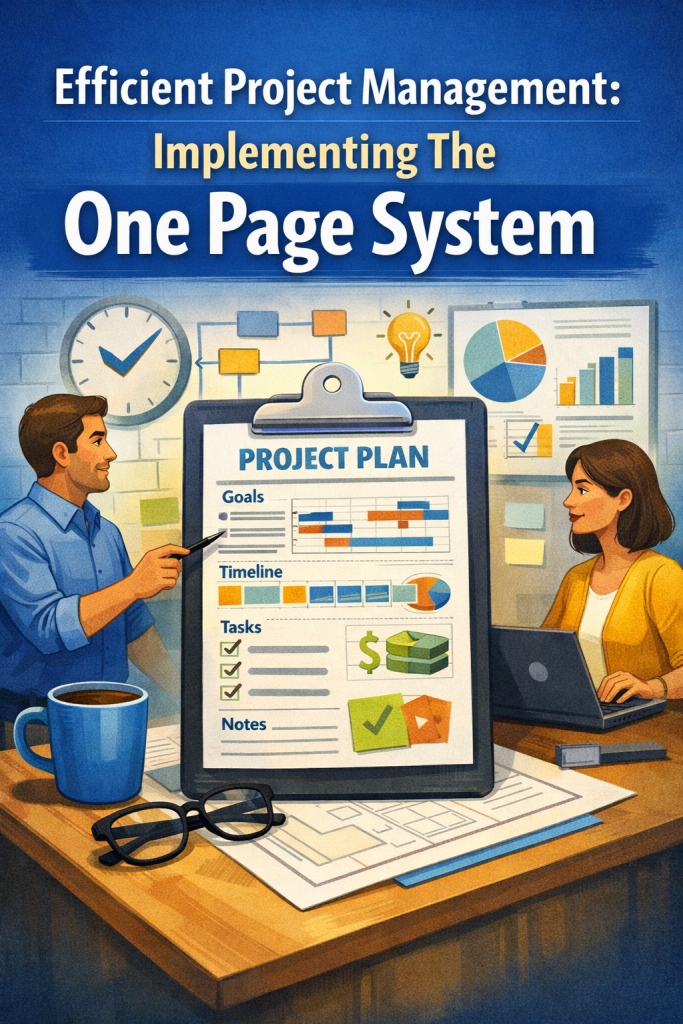
Efficient Project Management: Implementing The One Page System
How does a one‑page project management system improve efficiency and reduce overwhelm?
Most project management systems fail because they’re too complex — too many dashboards, too many views, too many places for important details to hide. Every extra tab or board forces your brain to reload context, which drains focus and slows momentum. A one‑page system solves this by putting every active project, priority, risk, and next step on a single surface. When everything that matters lives in one view, you stop juggling and start making decisions from a calm, high‑level perspective. This guide breaks down why a one‑page system works, how it reduces cognitive load, and how to build one that genuinely supports your workflow instead of adding to the noise.
Most people don’t struggle with project management because they’re disorganized. They struggle because their systems are too big.
Modern tools scatter your attention across dashboards, tabs, boards, lists, subtasks, filters, and notifications. Every time you switch views, your brain has to reload context. Every time you hunt for a detail, you burn cognitive energy. Every time something gets buried, you lose momentum.
A one‑page system solves this by doing something beautifully simple:
It puts everything that matters on a single surface. One page. One view. One source of truth.
When every active project, priority, risk, and next step lives in one place, your brain stops juggling. You stop reacting. You stop firefighting. You start making decisions from a calm, informed, high‑level perspective.
Let’s walk through why this works, how it changes the way you operate, and how to build a one‑page system that actually reduces overwhelm instead of adding to it.
1. Why a One‑Page System Reduces Overwhelm (The Psychology Behind It)
Most project management tools fail not because they’re poorly designed, but because they’re too complex for the human brain.
Your brain is wired for:
- simplicity
- visibility
- pattern recognition
- clear next steps
When information is scattered, your brain enters a low‑grade state of vigilance — constantly scanning, remembering, and re‑remembering what matters.
A one‑page system removes that burden.
A single page creates:
Cognitive relief Nothing is hidden. Nothing is buried. Your brain can finally relax.
Instant pattern recognition You can see bottlenecks, clusters, and risks at a glance.
Faster prioritization When the whole landscape is visible, decisions become easier.
Clearer communication Stakeholders and collaborators instantly understand the status of everything.
Reduced decision fatigue You always know the next step. No searching. No guessing.
This simplicity is especially powerful when you’re managing multiple projects with overlapping timelines. Instead of feeling scattered, you feel anchored.
2. How a One‑Page View Changes the Way You Work
A one‑page system shifts you from reactive to proactive.
Instead of responding to whatever pings your inbox or Slack, you make decisions based on the full picture — not the loudest notification.
This shift creates several benefits:
- You stop losing track of projects because nothing slips into the background.
- You catch risks early because you can see where deadlines cluster.
- You maintain momentum because every project has a visible next action.
- You reduce stress because you’re no longer relying on memory.
- You make better decisions because you’re operating from clarity, not urgency.
The one‑page system becomes your daily grounding point — the place you return to every morning to orient yourself.
3. What to Include on Your One‑Page Template (The Essentials Only)
A strong one‑page system balances detail with brevity. Too much information and the page becomes cluttered. Too little and you lose clarity.
The goal is to capture the essentials of each project in a way that’s instantly scannable.
Key elements include:
Project name The anchor for quick identification.
Owner or stakeholders Who is responsible or involved.
Deadline or timeline Including major milestones or target dates.
Current status A brief, honest snapshot — not a paragraph.
Next action The single most important step to move it forward.
Risks or blockers Anything that could delay progress.
Resources Budget, staffing, tools, approvals, or dependencies.
Each project gets one row or one small block. The goal is not to document everything — it’s to surface what matters.
4. Designing the Page for Instant Readability (Make It Visual, Not Verbose)
A one‑page system works best when your brain can interpret it in seconds. Visual cues turn the page into a dashboard rather than a wall of text.
Useful cues include:
- Green / yellow / red indicators for project health
- Bold or highlighted deadlines approaching within a week
- Icons or symbols to mark risks, dependencies, or approvals
- Shaded sections for high‑priority projects
- Grouping projects by category, team, or timeline
These cues reduce interpretation time and help you spot issues before they escalate.
Beginner reassurance
You’re not designing a spreadsheet. You’re designing a clarity tool.
5. Keeping the Page Alive Through Daily Updates (The 5‑Minute Ritual)
A one‑page system only works if it stays current. But the update process should be quick — five minutes at the start or end of each day.
Daily updates help you:
- Know exactly what needs attention
- Adjust priorities as new information emerges
- Avoid last‑minute scrambles
- Maintain a sense of control across all projects
This rhythm turns the page into a living tool, not a static document.
6. Weekly Reviews to Keep the System Sharp (Your Clarity Reset)
As your workload evolves, your one‑page system should evolve with it. A weekly review ensures the page stays aligned with your real workflow.
During your review, you can:
- Remove outdated fields or add new ones
- Reorganize projects based on urgency or category
- Update statuses and next actions
- Identify patterns — recurring risks, slow‑moving projects, overloaded timelines
- Refine the layout for clarity
The goal is not to create the perfect template once — it’s to maintain a template that stays useful.
7. How the One‑Page System Transforms Project Management
When everything lives on one page, you gain a level of clarity that’s hard to achieve with traditional tools.
You can:
- see bottlenecks
- anticipate risks
- make decisions faster
- reduce stress
- maintain momentum
- communicate clearly
- stay grounded
The one‑page system becomes:
- a grounding point
- a decision‑making tool
- a communication aid
- a prioritization engine
- a stress reducer
It’s simple, but it’s powerful — because clarity is powerful.
Final Reflection
As you think about implementing or refining your own one‑page system, consider which part would make the biggest difference right now:
- the template structure
- the visual cues
- the update rhythm
- the prioritization method
- learn more in How to EQ Your Feelings
- dive deeper with The Musician’s Tech Toolbox
- explore Producer’s Guide to Avoiding Human Contact
