

Step-by-Step Guide to Recording Acoustic Stringed Instruments for Professional Sound Quality
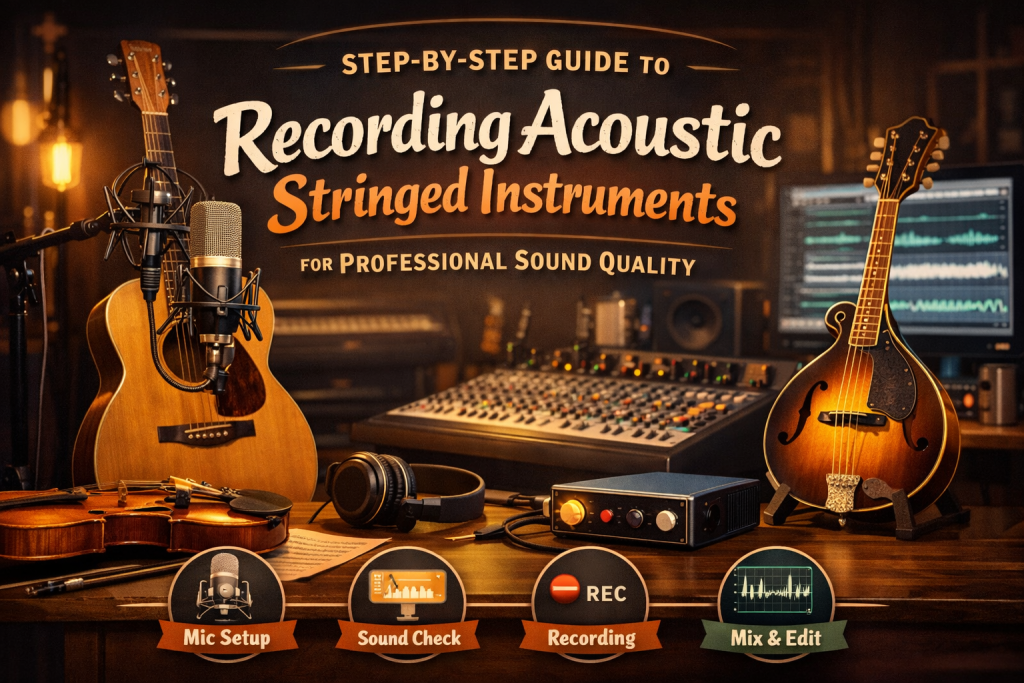
Step-by-Step Guide to Recording Acoustic Stringed Instruments for Professional Sound Quality
Recording acoustic stringed instruments — guitars, violins, cellos, mandolins, and more — requires careful attention to detail to capture their natural, rich tones. Professional sound quality comes from a combination of environment, mic placement, performance control, and thoughtful post‑production. This guide walks you through each step to help you achieve the best possible recording.
1. Choose the Right Environment
The recording space has a major impact on the clarity and tone of your acoustic instrument. Overly reflective or untreated rooms can introduce unwanted echoes and muddiness.
Tips for a Better Recording Space
- Use a room with natural acoustic control, such as one with rugs, curtains, soft furnishings, or acoustic panels.
- If the room is too reflective, use an isolation shield, baffle, or portable acoustic treatment around the instrument to reduce unwanted reflections.
2. Select the Right Microphone
The microphone you choose shapes the character and detail of your recording. Acoustic instruments benefit from microphones that capture nuance and dynamic expression.
Common Microphone Options
- Large Diaphragm Condenser: Great for capturing body, warmth, and fullness.
- Small Diaphragm Condenser: Ideal for high‑end detail and clarity — perfect for violins, mandolins, and bright acoustic guitars.
- Ribbon Microphone: Produces a warm, vintage tone with smooth highs. Handle with care due to sensitivity.
3. Optimal Mic Placement
Proper mic placement is one of the most important factors in achieving a clean, natural recording. Different instruments require different approaches.
For Acoustic Guitar
- Mic 1 (12th Fret): Place a large diaphragm condenser 6–12 inches from the 12th fret for a balanced tone.
- Mic 2 (Soundhole): Place a second mic about 6 inches from the soundhole to capture low‑end warmth. Avoid placing it too close to prevent muddiness.
For Violin or Cello
- Position a small diaphragm condenser 1–2 feet away, aimed where the neck meets the body.
- Angle the mic slightly toward the f‑holes to capture resonance and tonal richness.
Tip: When using multiple microphones, always check for phasing issues. If the sound becomes thin or hollow, adjust mic distance or use a phase‑invert switch.
4. Adjust the Instrument’s Positioning
The performer’s position relative to the microphone affects tone just as much as mic placement.
Tips for Better Positioning
- Have the player experiment with angles and distance during test takes.
- Small adjustments — tilting the guitar, shifting the violin’s angle, or moving slightly closer or farther — can dramatically improve tone.
5. Control Dynamics During Recording
Acoustic instruments can vary widely in volume depending on the performance. Proper gain staging ensures you capture a clean, distortion‑free recording.
Dynamic Control Tips
- Adjust input gain so loud passages don’t clip and quiet passages remain audible.
- Use a pop filter or windscreen to reduce breath noise or hand movement sounds.
- Apply light compression during tracking if needed, but avoid over‑compressing.
6. Record in Multiple Takes
Professional recordings often combine the best parts of several takes to create a seamless final performance.
Why Multiple Takes Matter
- You can comp together the strongest moments from each take.
- For ensembles, recording each part separately gives you more control during mixing.
Tip: Record extra takes of difficult sections to give yourself more editing options later.
7. Post-Production Techniques
Once the performance is captured, mixing brings out the clarity, warmth, and depth of the instrument.
EQ
- Roll off below 80Hz to remove rumble.
- Boost 3–5 kHz for presence and articulation.
- Avoid excessive EQ — acoustic instruments should retain their natural tone.
Compression
- Use light compression to even out dynamics without flattening the performance.
- Preserve the natural dynamic range for an organic sound.
Reverb
- Add subtle room or plate reverb to create space and depth.
- Avoid heavy reverb, which can make the instrument sound distant or muddy.
8. Editing and Arrangement
Clean editing and thoughtful arrangement help your recording feel polished and professional.
Editing Tips
- Remove unwanted noises such as finger squeaks, fret buzz, or breaths (unless they add character).
- Use panning to create a balanced stereo image when mixing multiple instruments.
9. Listen Critically
After mixing, step away and return with fresh ears. Evaluate your recording across different playback systems.
Critical Listening Tips
- Test your mix on headphones, studio monitors, and consumer speakers.
- Compare your recording to professionally produced tracks of similar instruments.
Conclusion
Recording acoustic stringed instruments with professional clarity requires a thoughtful blend of environment, mic technique, performance control, and post‑production. By following these steps, you’ll capture the rich, nuanced tones that make acoustic instruments so expressive. With practice and experimentation, you’ll develop a workflow that consistently delivers polished, high‑quality recordings.
