

Website Accessibility: Ensuring Inclusivity for All Fans
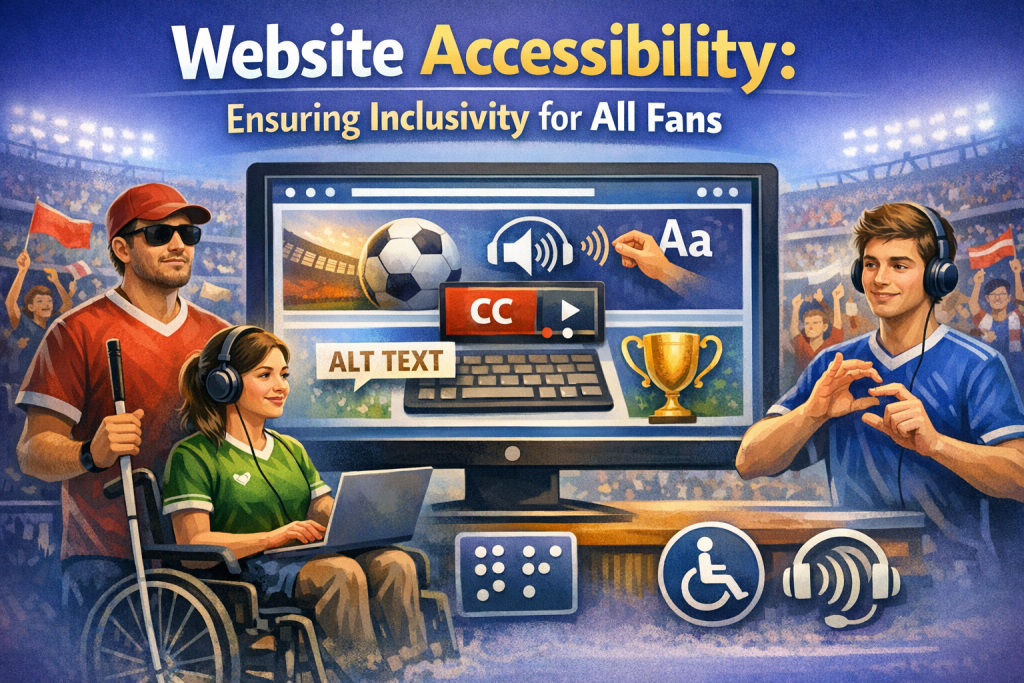
Website Accessibility: Ensuring Inclusivity for All Fans
Introduction
In today’s digital world, your website is often the first point of contact between you and your audience. Whether you’re a musician, brand, or content creator, accessibility is essential. But what does it mean for a website to be accessible?
Simply put, accessibility ensures that all users—regardless of ability or disability—can navigate, understand, and interact with your site effectively. In this post, we’ll explore why accessibility matters, the common barriers users face, and practical steps you can take to make your website inclusive for all fans.
Why Website Accessibility Matters
Reaching a Wider Audience
Over 1 billion people worldwide live with some form of disability. If your website isn’t accessible, you may be unintentionally excluding a significant portion of your audience. Accessible design ensures everyone can enjoy your content and connect with you.
Legal and Ethical Considerations
Many countries require websites to meet accessibility standards. In the U.S., the Americans with Disabilities Act (ADA) has been interpreted to include websites. Non‑compliance can lead to legal action and reputational damage.
Accessibility isn’t just ethical—it’s legally important.
Enhancing User Experience
Accessible websites are easier for everyone to use. Clean layouts, intuitive navigation, and clear content benefit users with disabilities and improve the overall experience for all visitors.
Common Accessibility Barriers
Visual Impairments
Users who are blind or have low vision often rely on screen readers. If your site isn’t compatible, they may miss essential information.
Hearing Impairments
Audio content without captions or transcripts excludes users who are deaf or hard of hearing.
Motor Disabilities
Users with limited mobility may struggle with mouse‑based navigation. Keyboard accessibility is essential.
Cognitive and Learning Disabilities
Complex layouts, cluttered pages, or confusing navigation can overwhelm users with cognitive challenges. Simplicity is key.
Steps to Make Your Website Accessible
Step 1: Use Semantic HTML
Use meaningful HTML elements like <header>, <nav>, <main>, and <footer>. Semantic structure helps screen readers interpret your site correctly.
Step 2: Ensure Keyboard Accessibility
All interactive elements—links, buttons, forms—must be usable via keyboard alone. Test your site by navigating with the Tab key.
Step 3: Provide Text Alternatives for Non‑Text Content
- Alt text for images
- Captions for videos
- Transcripts for audio
These ensure users with visual or hearing impairments can access your content.
Step 4: Use ARIA Landmarks and Roles
ARIA attributes help assistive technologies understand the purpose of elements on your page. Use them to enhance—but not replace—semantic HTML.
Step 5: Optimize for Screen Readers
- Use proper heading hierarchy
- Avoid images of text
- Structure content with lists and paragraphs
Screen readers rely on clean structure to convey information accurately.
Step 6: Design with Contrast and Color in Mind
Ensure text has sufficient contrast against its background. Tools like the WCAG contrast checker help verify compliance.
Step 7: Simplify Navigation and Layout
- Avoid clutter
- Use clear labels
- Provide a search function
Simple, intuitive design benefits all users, especially those with cognitive disabilities.
Step 8: Test Your Website’s Accessibility
Use tools like:
- WAVE
- Axe
- WCAG contrast checker
For deeper insight, conduct user testing with individuals who have disabilities.
Benefits of an Accessible Website
Improved SEO
Accessibility and SEO overlap. Alt text, clean structure, and semantic HTML all help search engines understand your content.
Better Engagement and Retention
When users can easily navigate your site, they stay longer, return more often, and share your content.
Positive Brand Image
Prioritizing accessibility shows your commitment to inclusivity and social responsibility. Fans appreciate brands that care.
Conclusion
Website accessibility is more than a technical requirement—it’s a commitment to inclusivity and respect for all users. By identifying and removing accessibility barriers, you create a welcoming space where every fan can connect with your work.
Start implementing these steps today and build a website that truly includes everyone.
FAQs
FAQ 1: What is website accessibility?
Website accessibility ensures that all users, including those with disabilities, can navigate and interact with your site without barriers.
FAQ 2: Why is accessibility important for my website?
It expands your audience, improves user experience, and helps you comply with legal requirements.
FAQ 3: How can I test my website for accessibility?
Use tools like WAVE, Axe, or WCAG contrast checkers, and consider user testing with people who have disabilities.
FAQ 4: What are common accessibility issues?
Missing alt text, poor color contrast, non‑keyboard‑accessible navigation, and lack of captions or transcripts.
FAQ 5: Does accessibility help SEO?
Yes—many accessibility best practices also improve search engine rankings.
