

Best Practices for a Successful Sound Check
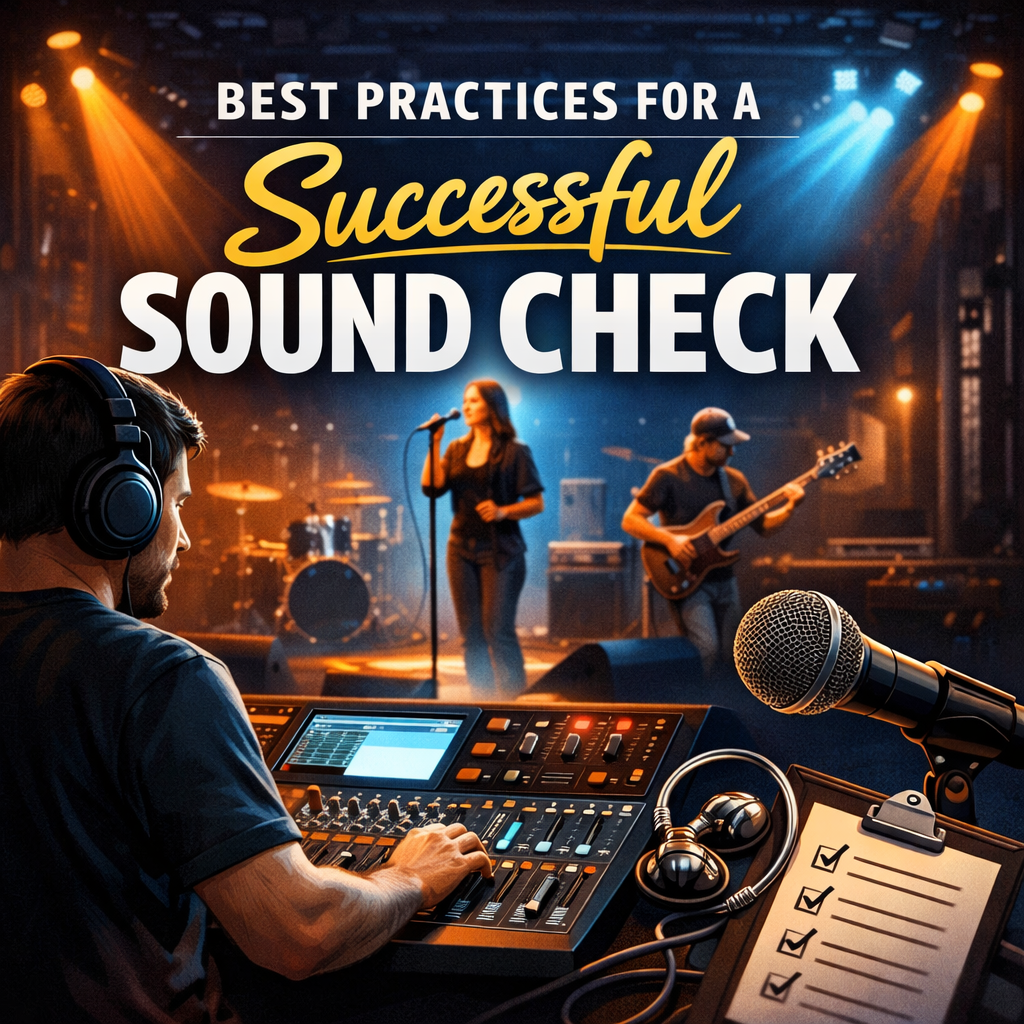
Best Practices for a Successful Sound Check
A thorough sound check is essential for ensuring your performance or recording session runs smoothly. It’s your chance to identify and fix audio issues before they become problems on stage or in the studio. Whether you’re preparing for a live show or a recording session, following these best practices will help you achieve the best possible sound.
1. Arrive Early and Be Prepared
Timing
Arrive well before the scheduled start time. Sound checks take longer than expected, and rushing increases the risk of missing important details.
Preparation
Bring all necessary gear—microphones, instruments, cables, pedals, stands, and accessories. Double‑check that everything is working before the sound check begins.
2. Communicate with the Sound Engineer
Introduction
Introduce yourself and discuss any specific needs or preferences for your sound.
Feedback
Give clear, concise feedback during the sound check. Stay open to the engineer’s suggestions—they’re there to help you sound your best.
3. Start with a Line Check
Check Each Input
Test each microphone, instrument, and input channel individually. Listen for issues like crackling cables, weak signals, or faulty connections.
Level Setting
Set initial levels so nothing is too loud or too quiet. This creates a solid foundation for the full mix.
4. Balance the Mix
Group Sound Check
Have the full band or ensemble play together. Ensure no instrument or vocal dominates the mix unless intentionally featured.
Volume Levels
Aim for clarity and balance. Every element should be audible without overpowering the others.
5. Monitor Placement and Levels
Monitor Placement
Position stage monitors so each performer can hear themselves clearly.
Monitor Levels
Adjust monitor mixes based on each performer’s needs. Good monitor mixes lead to confident, consistent performances.
6. Test Different Sections of the Performance
Quiet and Loud Sections
Run through both the softest and loudest parts of your set. This ensures the system can handle dynamic changes without distortion or imbalance.
Special Effects
If you use effects like reverb, delay, or modulation, test them during sound check to ensure they’re dialed in correctly.
7. Check for Feedback
Microphone Feedback
Walk around the stage with each microphone to identify potential feedback spots. Adjust mic placement, gain, or EQ to eliminate issues.
Speaker Placement
Angle speakers away from microphones and reflective surfaces to reduce feedback risk.
8. Test the Room Acoustics
Room Sound
Every room sounds different. Large empty spaces may echo, while smaller rooms may absorb too much sound.
Audience Simulation
If possible, have a few people stand in the room to mimic audience absorption. This gives a more accurate sense of how the sound will behave during the show.
9. Final Walkthrough
Stage Check
Walk around the stage and listen from different positions. This helps you catch inconsistencies that aren’t obvious from one spot.
Final Adjustments
Make final tweaks to EQ, levels, and monitor mixes based on what you hear.
10. Document the Settings
Take Notes
Write down settings for each channel—gain, EQ, effects, monitor levels. This is especially useful for multi‑day events or recurring gigs.
Save the Mix
If using a digital console, save the scene or preset for easy recall later.
Conclusion
A successful sound check sets the tone for a smooth, professional performance. By arriving early, communicating clearly, and thoroughly testing your equipment, you can resolve issues before they impact your show. Remember: a great sound check isn’t just about technical adjustments—it’s about creating the confidence and clarity you need to perform at your best.
