

Top 5 Essential Tips for Achieving Professional Vocal Recordings at Home
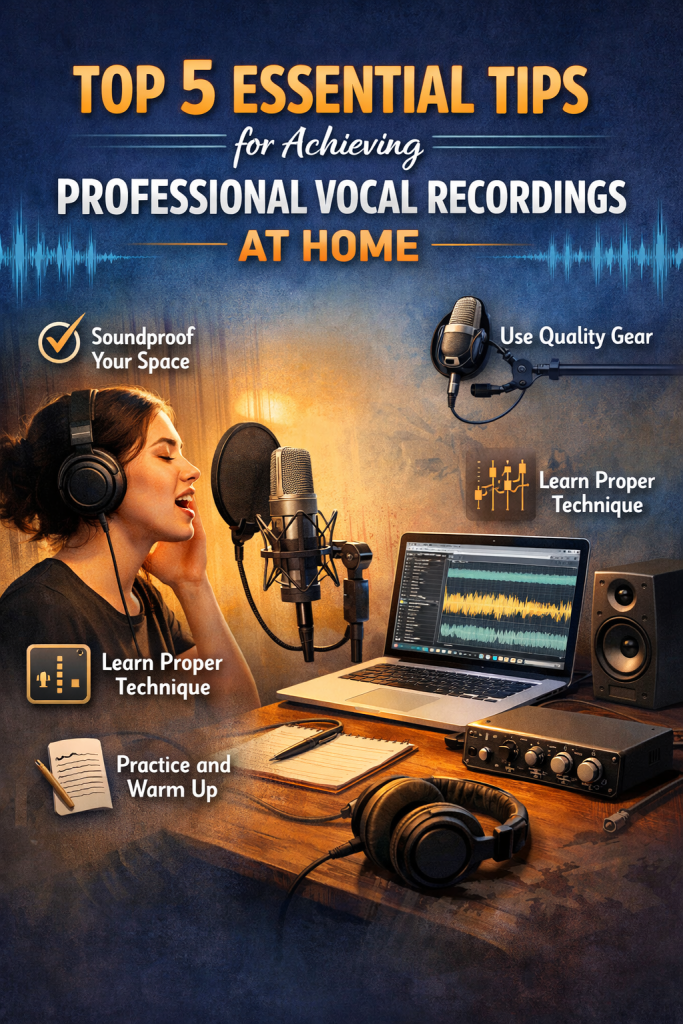
Top 5 Essential Tips for Achieving Professional Vocal Recordings at Home
Recording vocals at home has never been more accessible, but achieving professional‑quality results still requires intention and technique. Even in a small home studio with minimal gear, you can capture clean, polished vocals by focusing on the fundamentals. Below are five essential tips to help you elevate your vocal recordings and get mix‑ready results from your home setup.
1. Create a Suitable Recording Environment
Your recording environment has a huge impact on vocal clarity. Room reflections, background noise, and echo can degrade your recording before it even reaches your DAW. A controlled, quiet space is the foundation of a professional vocal sound.
How to Improve Your Recording Space
- Use acoustic treatment: Foam panels, bass traps, or thick blankets help absorb reflections.
- Record in a small, quiet room: A walk‑in closet filled with clothes can act as a natural vocal booth.
- Use a reflection filter: Portable vocal booths or reflection filters reduce room sound and isolate the mic.
2. Choose the Right Microphone and Positioning
The microphone you choose — and how you position it — dramatically affects the tone and detail of your vocal recording. Condenser microphones are the go‑to choice for vocals due to their sensitivity and clarity.
Key Tips for Microphone Selection and Placement
- Use a quality condenser microphone for detailed, expressive vocal capture.
- Position the mic 6–12 inches from the singer’s mouth for a balanced tone.
- Use a pop filter to maintain distance and reduce plosives.
- Angle the mic slightly off‑axis to reduce harshness and sibilance.
3. Control Plosives and Sibilance
Plosives (“P” and “B” sounds) and sibilance (“S” sounds) can ruin an otherwise great take. These issues are common in home recordings but easy to manage with the right tools.
How to Avoid Plosives and Sibilance
- Use a pop filter to block bursts of air.
- Record slightly off‑axis to reduce both plosives and harsh “S” sounds.
- Use a de‑esser in post‑production to tame remaining sibilance.
4. Monitor and Adjust Input Levels
Proper gain staging ensures your recording is clean, dynamic, and free from distortion. Too much gain causes clipping; too little introduces noise.
How to Set Proper Input Levels
- Aim for peaks between –6 dB and –3 dB to maintain headroom.
- Avoid hitting 0 dB, which causes clipping and distortion.
- Monitor in real time using headphones to catch issues early.
5. Use Vocal Compression and EQ Wisely
Even a great raw vocal benefits from subtle processing. Compression and EQ help your vocal sit naturally in the mix without sounding over‑processed.
How to Apply Compression and EQ for Vocals
- Compression: Use a ratio around 3:1 or 4:1 and adjust the threshold so only the loudest peaks are compressed.
- EQ:
- Roll off below 80–100 Hz to remove rumble.
- Boost 2–5 kHz for clarity and presence.
- Cut harshness in the 6–10 kHz range if needed.
- Use subtle effects: Light reverb or delay adds depth without overwhelming the vocal.
Final Thoughts
Professional‑sounding vocal recordings at home are absolutely achievable with the right techniques. By optimizing your recording environment, choosing the right microphone placement, controlling unwanted noises, managing input levels, and applying thoughtful post‑processing, you can capture clean, polished vocals that shine in any mix. With practice and attention to detail, your home recordings will sound more professional and more consistent every time.
